![Group 1261151152.png]](https://support.warmy.io/hs-fs/hubfs/Group%201261151152.png?width=50&height=50&name=Group%201261151152.png)
Step 1
To connect your Gmail mailbox to Warmy, first enable 2-Step Verification.
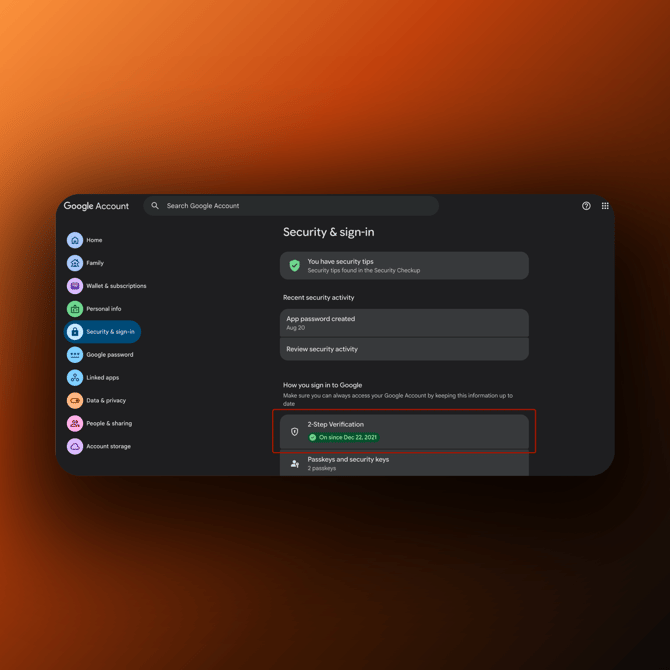
Go to Google Account → Security & sign-in → How you sign in to Google → 2-Step Verification and follow the on-screen instructions.
 Step 2
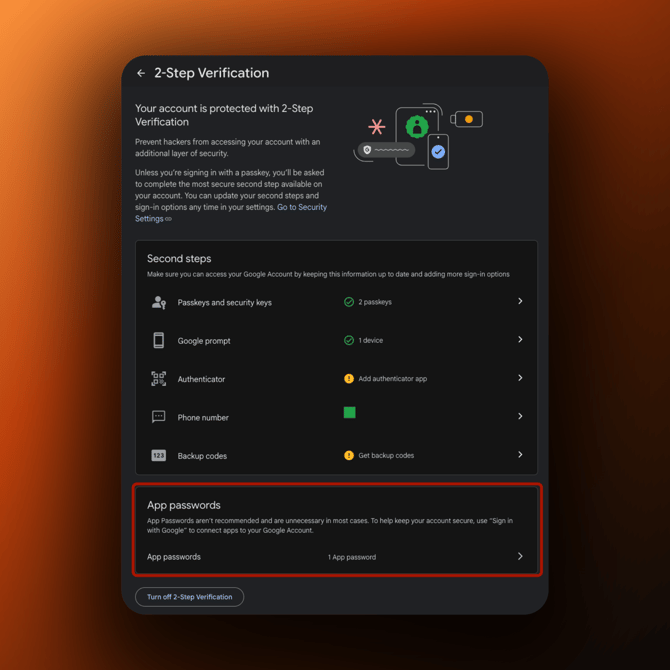
On the 2-Step Verification page, scroll down to App passwords and open it. Enter a name for the app, for example Warmy, and click Create. Google will generate a 16-digit App Password.
Alternatively, you can find App passwords by using the search bar in your Google Account.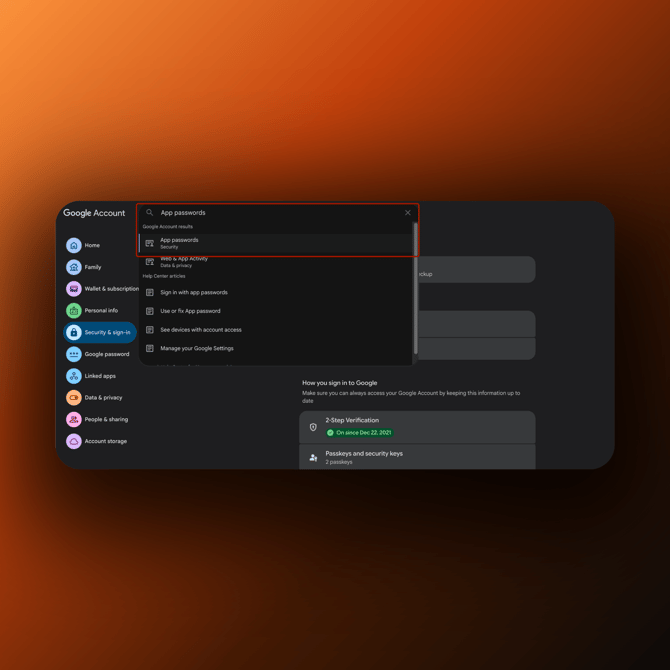
Note: To connect your Gmail mailbox to Warmy, you need to use the 16-digit App Password generated by Google, not your regular Google Account password.
Step 3
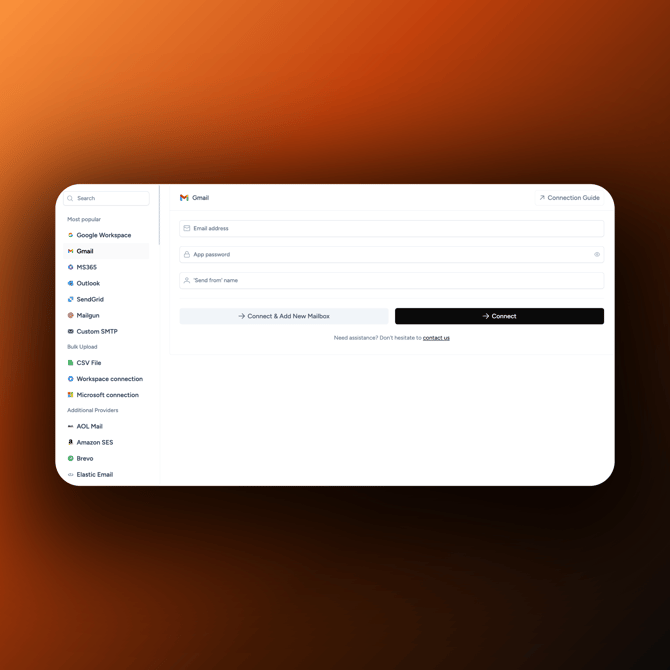
In Warmy, enter your Email address, App password, and 'Send from' name, then click Connect.