


 Prefer to listen? Hit play to hear this article read aloud.
Request Account Deletion
To begin the account deletion process, contact our support team using one of the following methods:
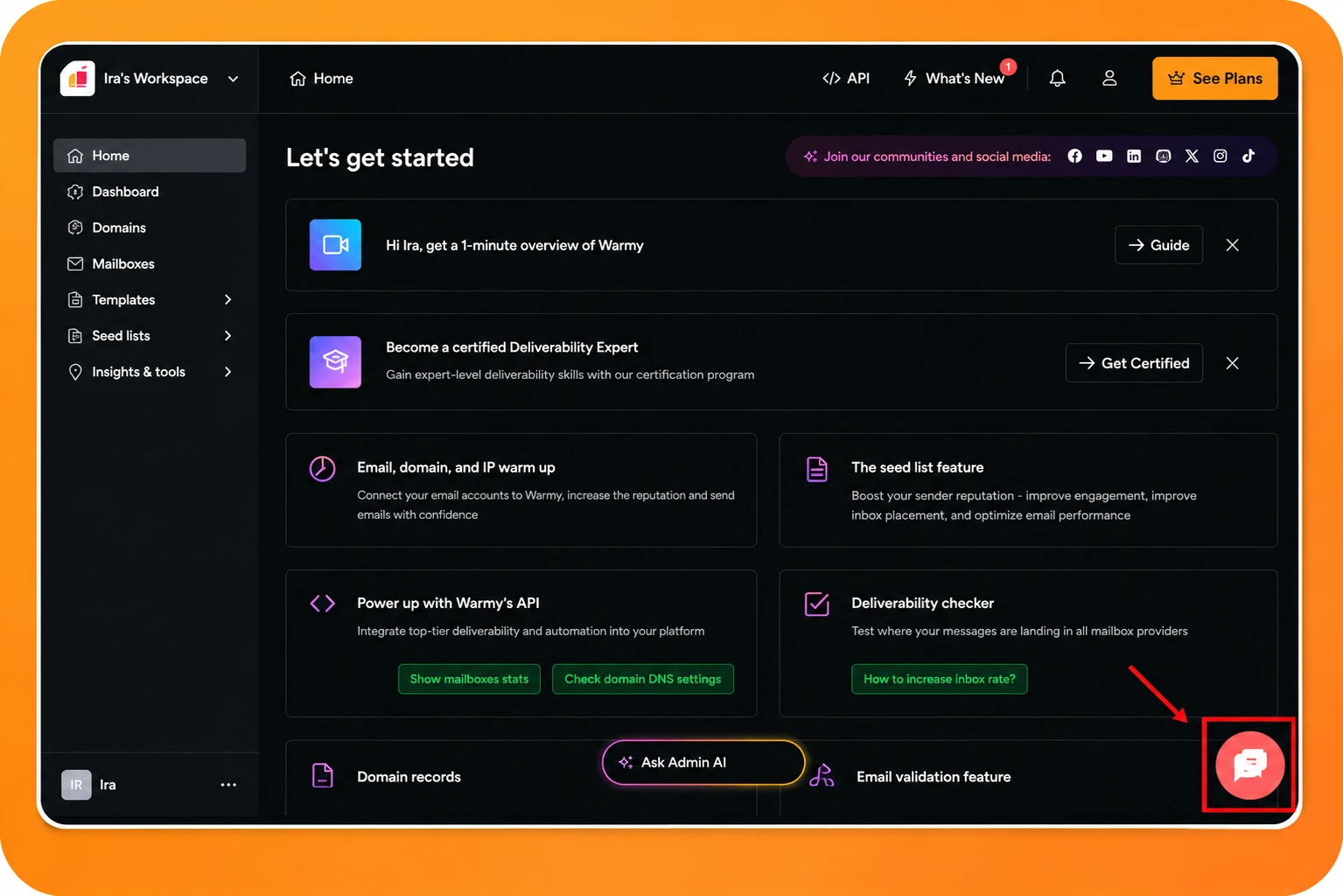
1. Live Chat (Recommended)
For the fastest response, use the live chat available in the bottom-right corner of your Warmy dashboard or on our website.
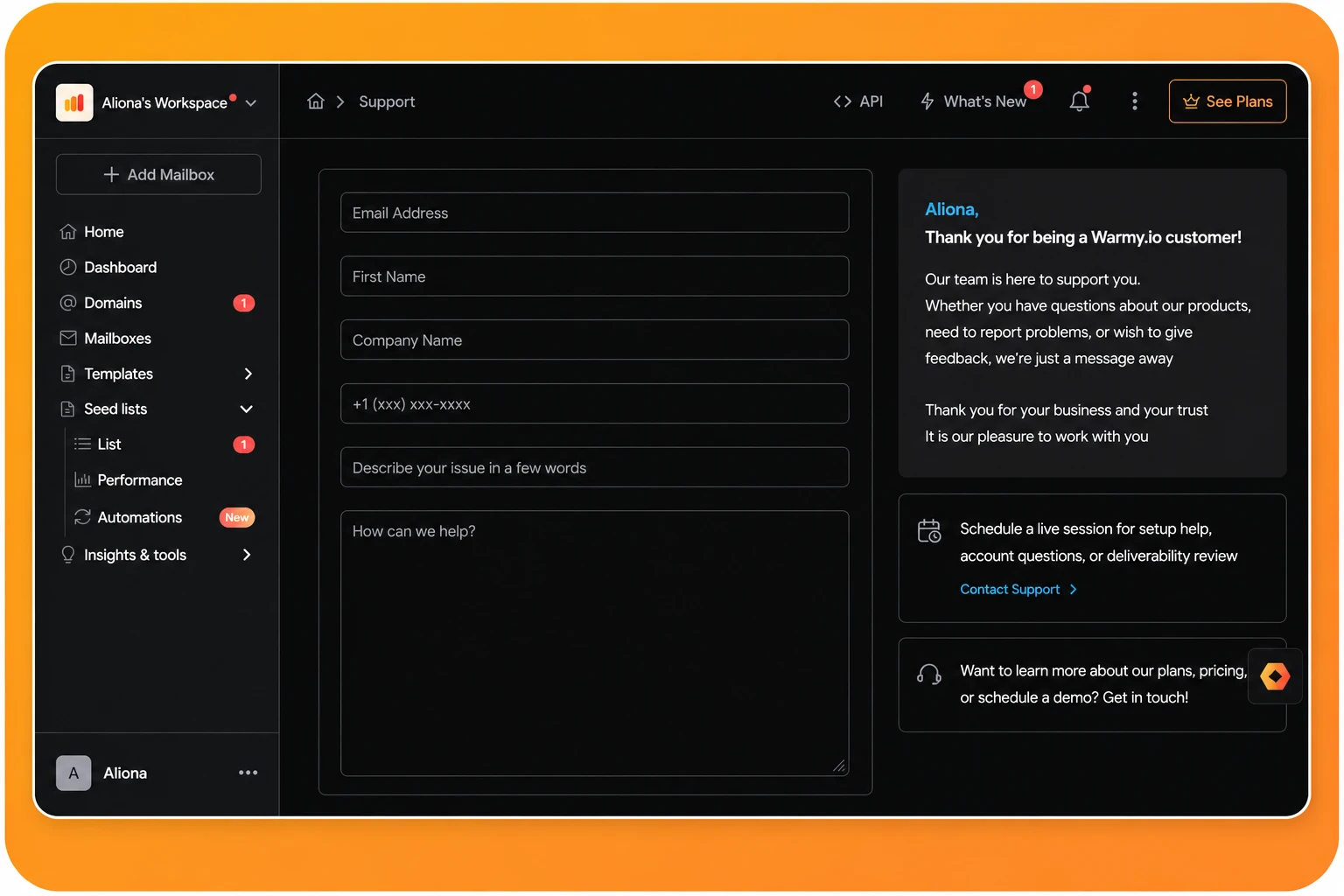
2. Support Portal
You can also submit a support request through our support portal: https://app.warmy.io/support
3. Email
Prefer email? Send your deletion request to: hi@warmy.io
What Happens Next?
Once we receive your request, our support team will review it and proceed with deleting your Warmy account.
If we need any additional information to process your request, we'll contact you before completing the deletion.