

👀 Please take a look in the video with the steps if you need any help 😎
🎧 Prefer to listen? Hit play to hear this article read aloud
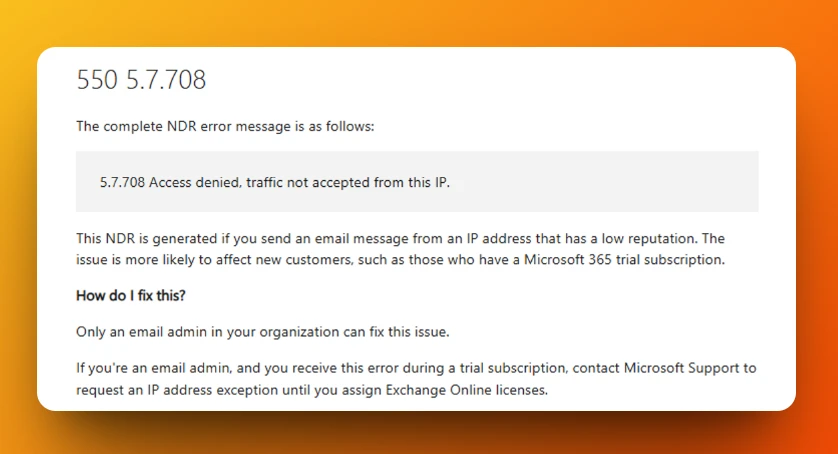
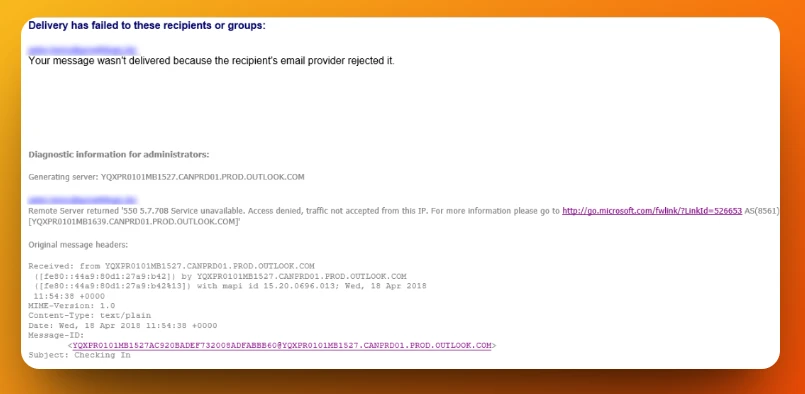
There will be times that newly created Microsoft 365 accounts or tenants will receive this type of non-delivery report - "Remote Server returned '550 5.7.708 Service unavailable. Access denied, traffic not accepted from this IP" when sending emails.
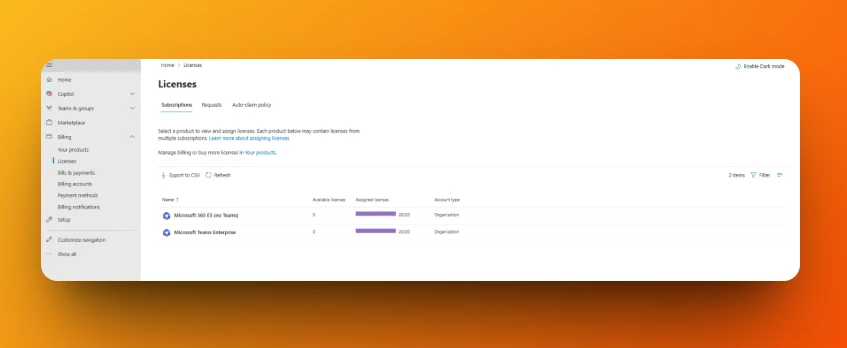
Please check and make sure that you are not using a Microsoft 365 Trial license.
We need to check the license assigned to the user by going to the Microsoft 365 Admin Center.
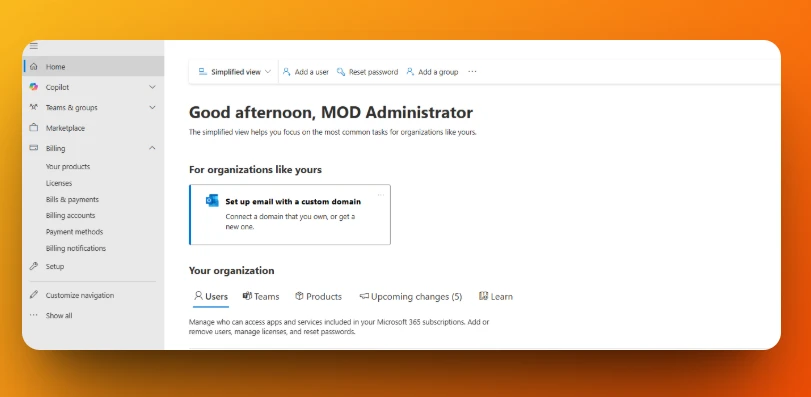
After successfully purchasing and assigning your paid Microsoft 365 licenses to your user, there will be times that we will need to wait for 24 hours for the changes to take effect.
If you are still receiving the same non-delivery report after waiting for 24 hours, you will need to contact Microsoft 365 support to disable the trial license and run appropriate diagnostics to allow your IP address to be able to send emails.