![Group 1261151152.png]](https://support.warmy.io/hs-fs/hubfs/Group%201261151152.png?width=50&height=50&name=Group%201261151152.png)
In this article, we explain why you may sometimes see more clicks than reads in your Warmy statistics — both in automatic warm-up and in Seed List campaigns.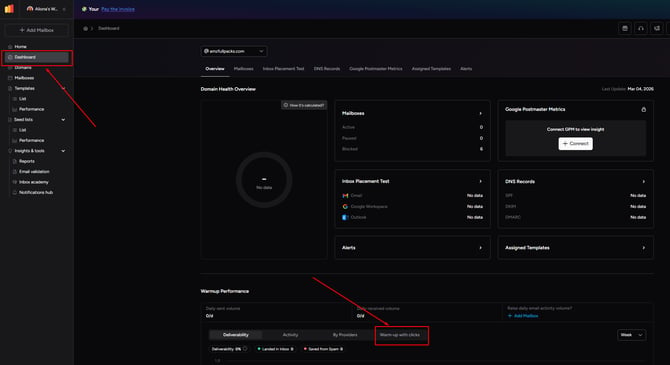
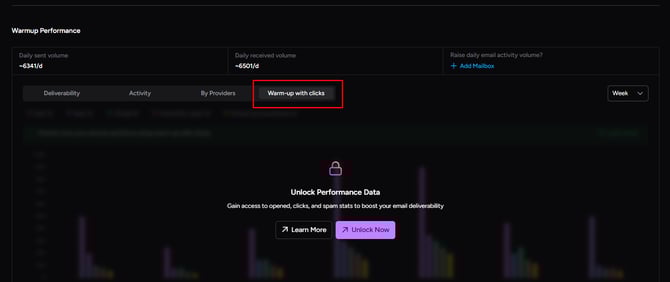
What Do Click Statistics Represent?
Click statistics show how many times links inside your emails were clicked during:
-
Automated warm-up (regular plans)
-
Seed List campaigns
-
Template warm-up interactions
Clicks are part of engagement simulation and help strengthen sender reputation by creating natural interaction signals.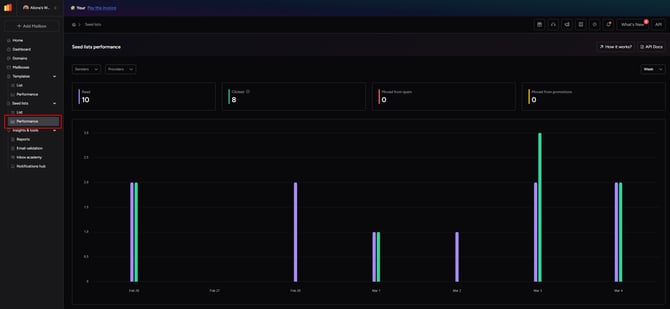
Why Can Clicks Be Higher Than Reads?
There are two main reasons:
1️⃣ Multiple Links in One Email
If your email contains multiple links, each link can be clicked individually.
For example:
If one email contains 5 links, the system may click several of them.
This can result in statistics such as:
1 read
5 clicks
This is expected behavior and does not indicate an issue.
2️⃣ Random Click Logic
Warmy uses intelligent random logic when simulating engagement.
In each email, between 0 and 5 links may be randomly selected and clicked. This helps create more natural interaction patterns and avoids predictable behavior.
As a result, click counts can exceed read counts in your dashboard.
Important Notice About Website Traffic ⚠️
If your email contains links to your website, you may notice traffic spikes after enabling warm-up with clicks.
These spikes are generally harmless and part of engagement simulation. However, we recommend ensuring that:
-
Your hosting provider can handle temporary traffic increases
-
Your tracking systems are properly configured
This is especially relevant for large Seed Lists or multiple warmed mailboxes.
How to Optimize Warm-Up with Clicks 🚀
To get the best results:
-
Upload multiple templates before starting
-
Use varied content and link structures
-
Avoid uploading only one template
-
Review templates with the Template Checker before activating
The more natural and diverse your templates are, the better the engagement quality and deliverability signals.